📥 Download Required Tools
📥 Download Files — Windows
🔧 MDM Remove Tool V1.3.4 — Windows 2026 Download 📱 3uTools — Device Checker Download🍎 Download Files — Mac Users
🔧 MDM Remove Tool — Mac Version 2026 Download 📱 3uTools — Device Checker Download🎬 Latest Video Tutorial — iOS 26.5 2026
What is Apple MDM?
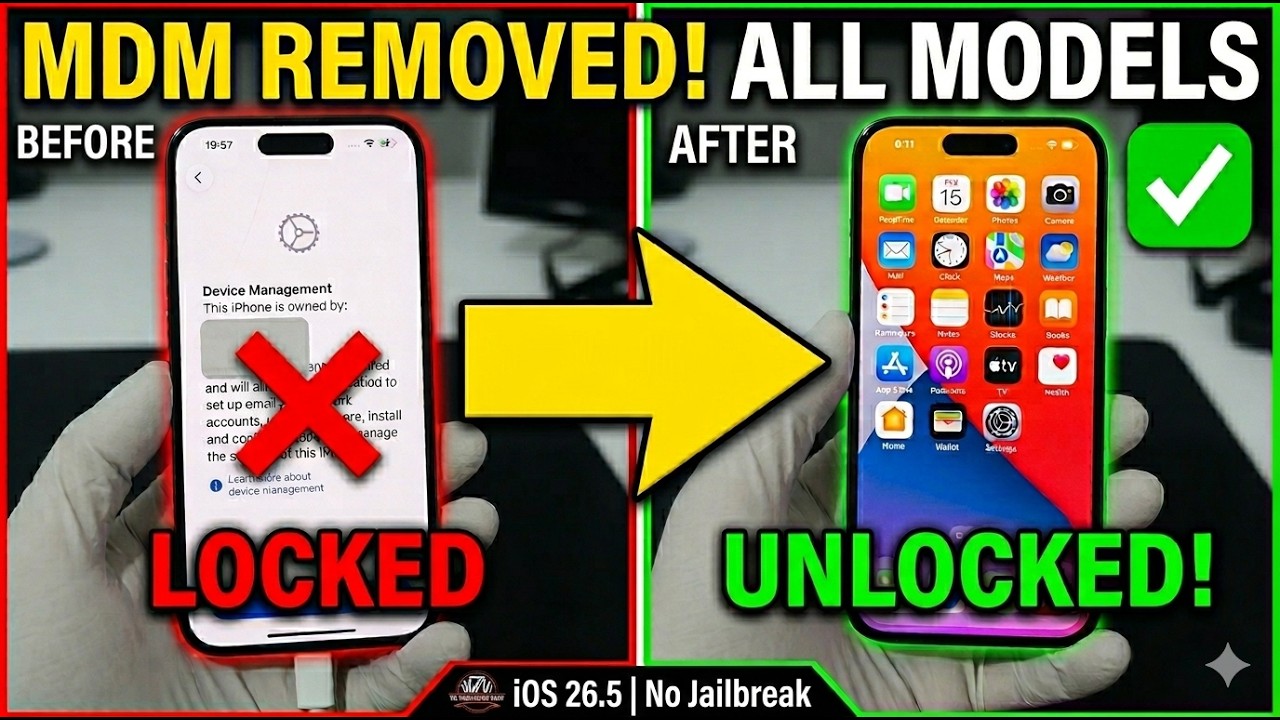
Apple MDM (Mobile Device Management) is a profile that many organizations use to manage their corporate Apple devices. The tool allows the admin to remotely control different functions of the devices and even release security configurations. This makes it easier for the organization to manage thousands of iPhones and iPads given to employees.
If you bought a second-hand iPhone or iPad showing "Remote Management" on the screen, this means the previous owner did not remove the MDM profile before selling the device. This guide shows you how to remove MDM completely without any password or administrator access — no jailbreak needed.
Who Needs This Tool?
This MDM Remove tool is designed for anyone who has a device locked with a Remote Management profile. This includes:
✔️ People who bought a second-hand iPhone or iPad with MDM still active on it.
✔️ Students whose school installed MDM on their personal device.
✔️ Employees who left a company but still have the company MDM profile on their device.
✔️ Anyone who received an iPhone or iPad as a gift but cannot pass the Remote Management screen.
What Happens If You Don't Remove MDM?
If MDM is left on your device, the organization that installed it can remotely monitor your activity, restrict apps, lock your device at any time, erase all your data without warning, and prevent you from installing or using certain apps. Removing the MDM profile gives you full control of your own device again.
How To Check If Your Device Has MDM
When you set up your iPhone or iPad, if you see a screen that says "Remote Management" or "Device Enrollment" — your device has an MDM profile installed. You will not be able to skip this screen without either the administrator credentials or an MDM remove tool like the one in this guide.
Requirements
⚠️ Important Notes
🛡️ How To Disable Windows Security Before Running The Tool
🍎 How To Run The Tool On Mac
Step-by-Step MDM Remove Guide
❓ Having Issues? Watch The Full Tutorial
If you are facing any problems during the MDM removal process, watch this complete video tutorial for a full walkthrough of every step:
❓ Frequently Asked Questions
Is this tool safe?
Yes. Windows Security flags MDM tools as threats because they interact with device management profiles — this is a false positive. Disable Windows Security before running the tool as explained above.
Do I need to jailbreak my device?
No. This tool works completely without jailbreak on all supported iOS versions.
Will I lose my data?
Yes — a fresh restore is required before using the tool. Make sure to back up your data first.
Does it work on all iPhone and iPad models?
Yes. The tool supports all iPhone and iPad models running iOS 9 up to iOS 26.5 and above.
Does it work on Mac?
Yes! Download the Mac version from the download section above. Follow the Mac instructions in this guide.
Does it work on MacBook MDM?
We offer a remote MDM removal service for MacBook — see the section below.
🖥️ Have a MacBook with MDM?
We also provide MDM removal service for all MacBook models. If your MacBook is locked with MDM management, contact El Profesor GSM directly for a fast remote unlock service.
💼 MacBook MDM Remote Service
💬 MacBook MDM Help — WhatsApp Chat Now ✈️ MacBook MDM Help — Telegram MessageNeed Help?
Contact El Profesor GSM for remote MDM removal service for all iPhone, iPad, and MacBook models.
💬 Comments